Our guides cover the questions that come up once you start testing a screen: what a fault means, whether it is covered, and how to keep the display in good shape.
Each one links straight to the free tools on this site, so you can check your own screen as you read.

Original researchDead Pixel Warranty Study 2026We read the US dead pixel policies of 16 monitor brands. Every zero defect promise covers bright pixels only, and 4 big brands publish no US policy at all. Free dataset.
How to set a solid color wallpaperSet a plain solid color wallpaper on Windows, Mac, iPhone, Android or a Chromebook, using a free color image in the right size.

How to check a new monitorA seven step checklist to test a new monitor or TV for dead pixels, backlight bleed, uniformity and the right settings before the return window closes.

Are dead pixels covered by warrantyWhen a dead pixel is covered by a monitor warranty, how pixel policies usually work, and how to document a fault before you file a claim.

How to clean your screen safelyHow to clean a monitor, laptop, phone or TV screen without damaging it, what never to use, and a trick to spot every streak.

How to check for screen burn-inHow to check an OLED or LCD screen for burn-in with full screen colors, how to tell burn-in from image retention, and how to prevent it.
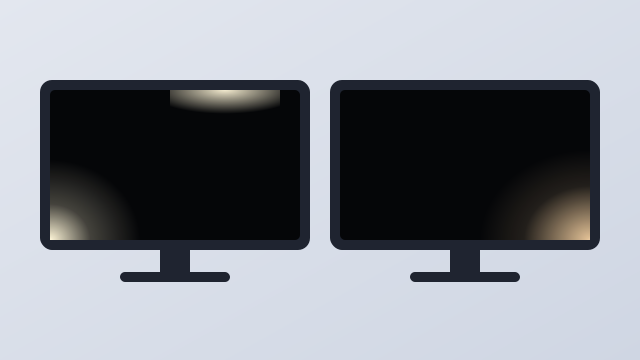
Backlight bleed vs IPS glowHow to test a monitor for backlight bleed, how to tell it apart from normal IPS glow, and when it is bad enough to return.